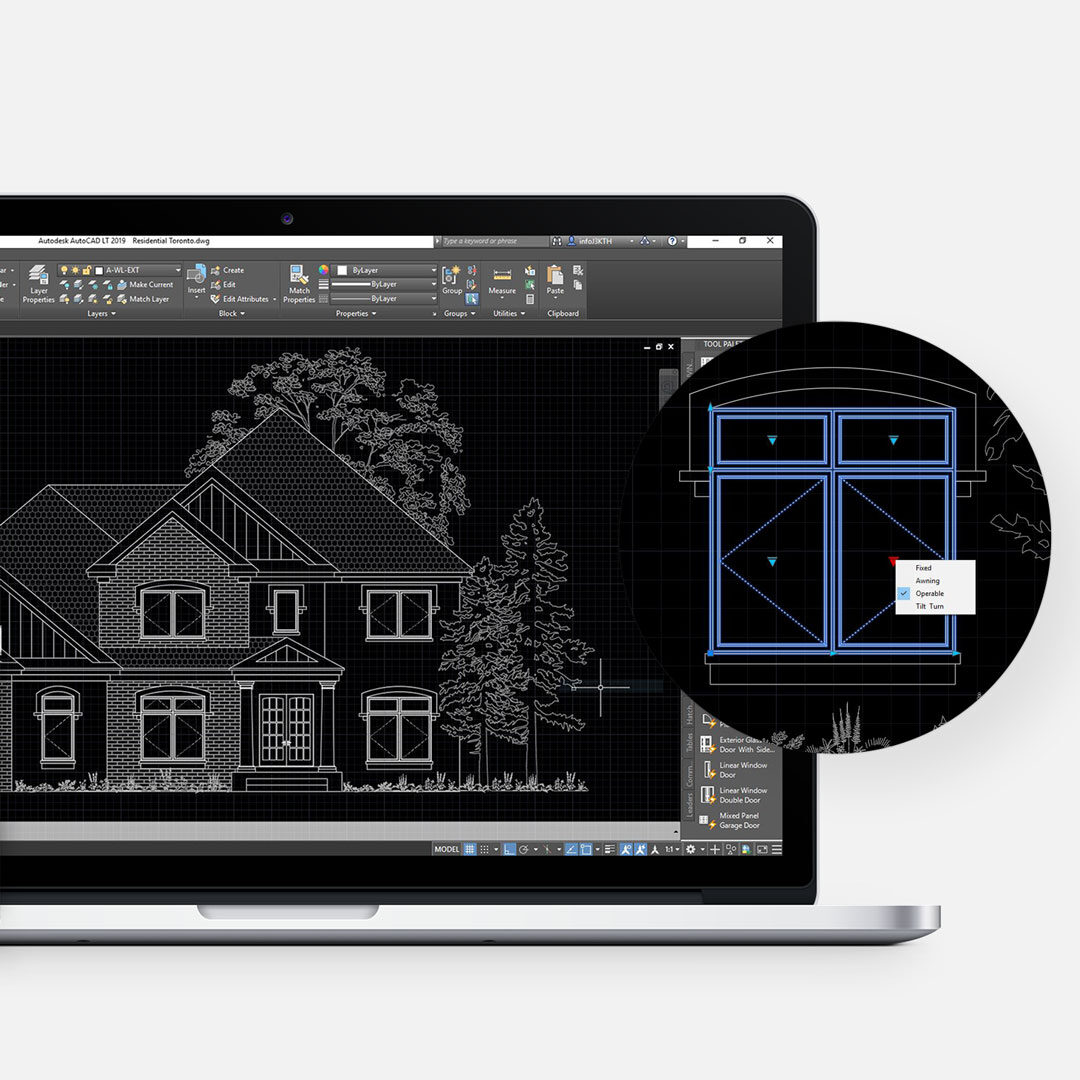
AutoCAD Dynamic Blocks
Tools Built for Designers by Designers

Designed to Simplify Your Workflow
As designers, we know how much time goes into setting up templates, building blocks, and troubleshooting issues. That’s time you could spend designing.
Our goal is simple: give you tools that remove friction from your workflow, so you can focus on the creative side of your projects.
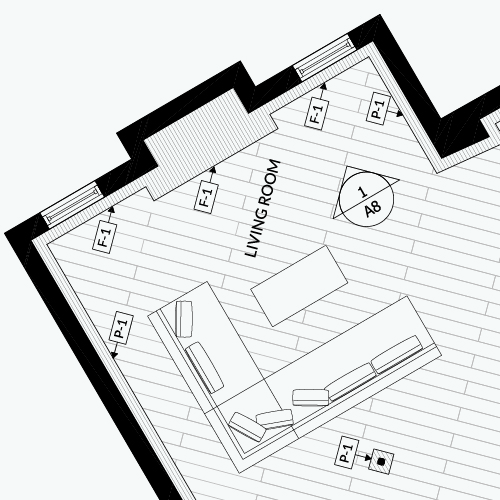
Consistency That Works Across Projects
Consistency makes everything easier. When your team uses the same tools, templates, and standards, projects move faster and communication becomes clearer. Our packages help you create a system that works across your projects, whether you’re working solo or as part of a team.
Everything is easy to customize, so you can adapt it to your own standards.
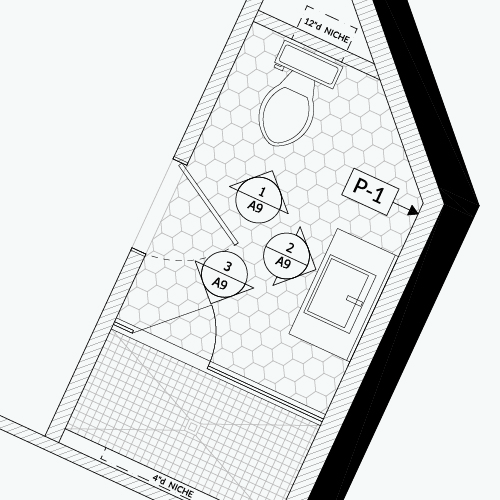
Built for Speed and Ease of Use
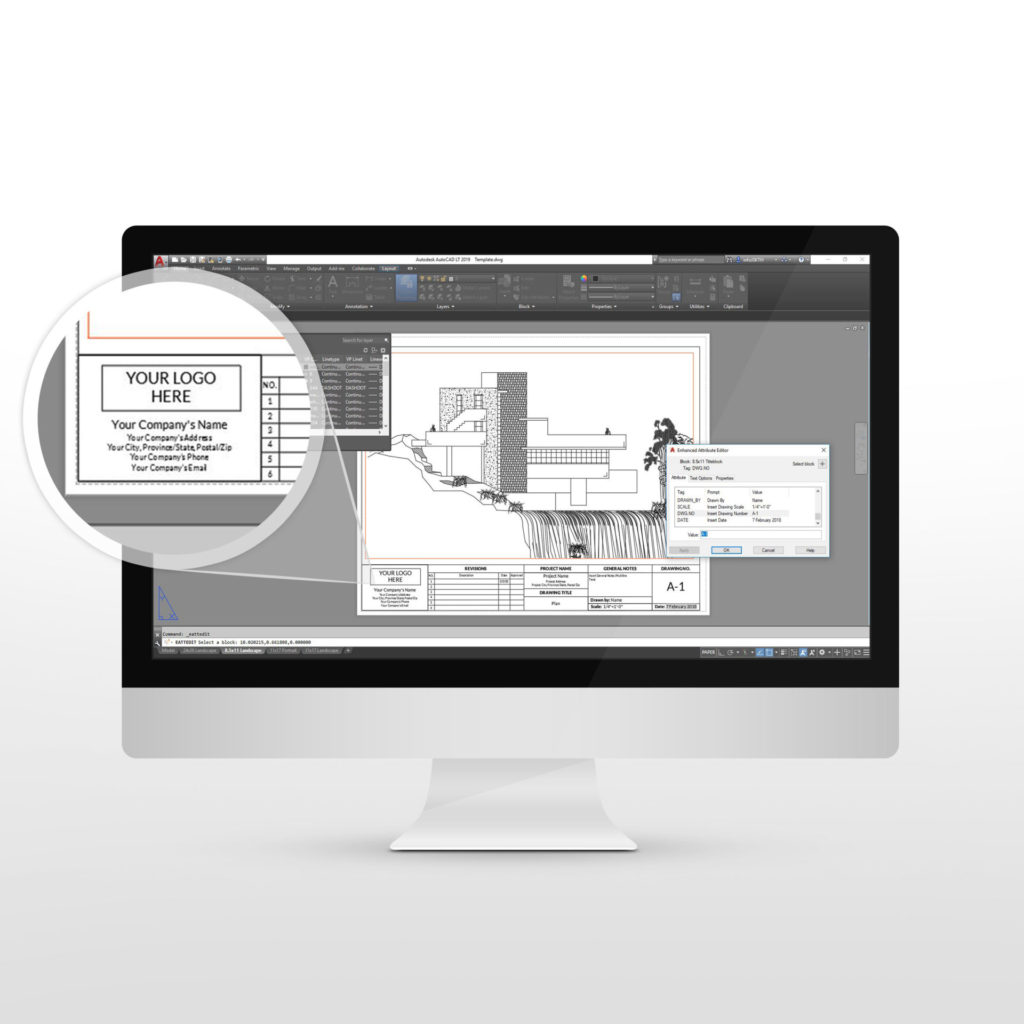
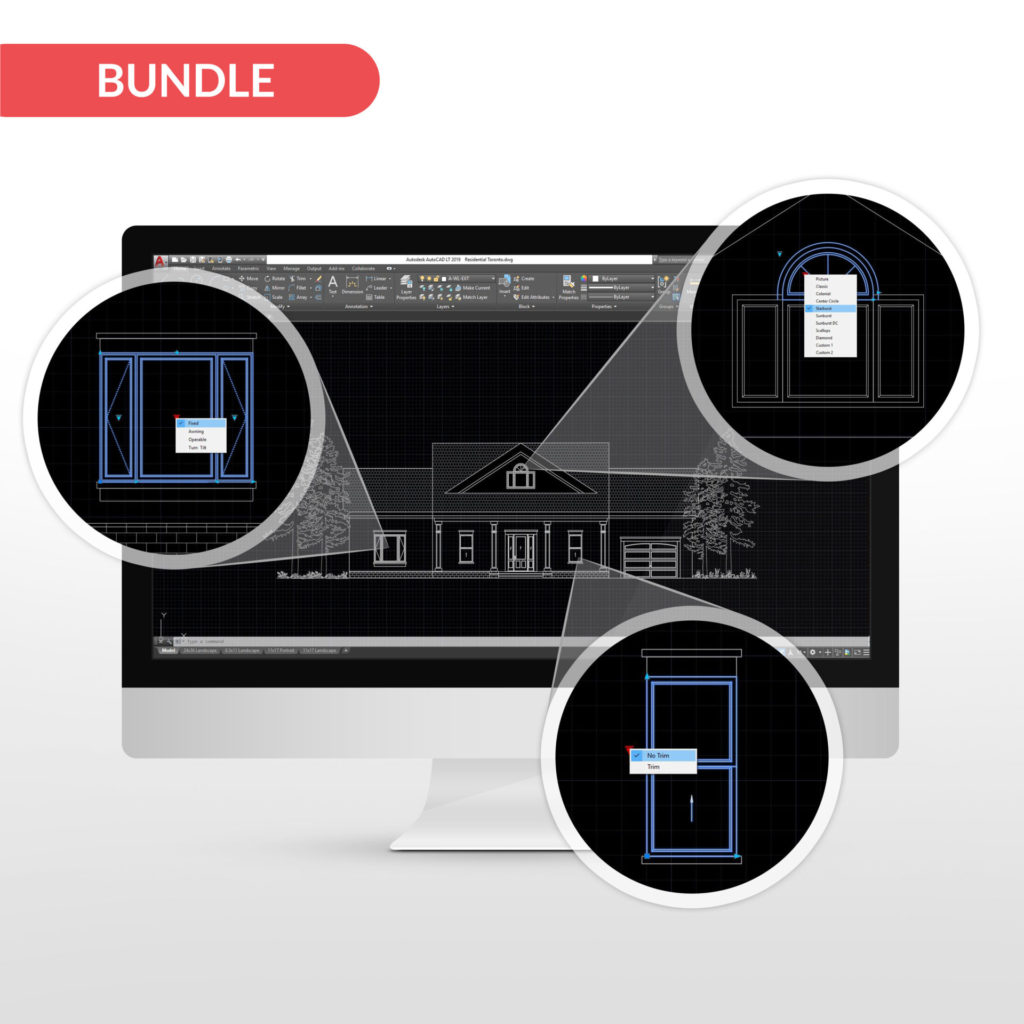
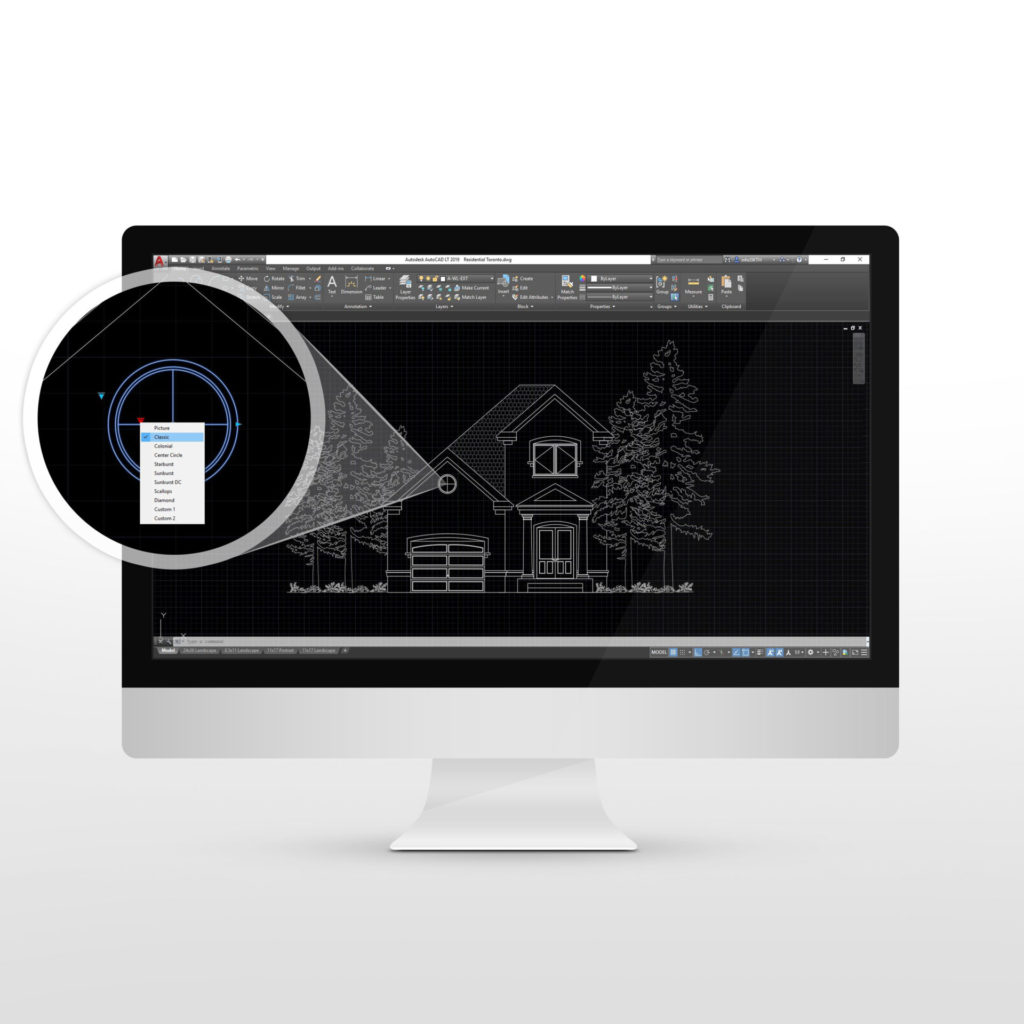
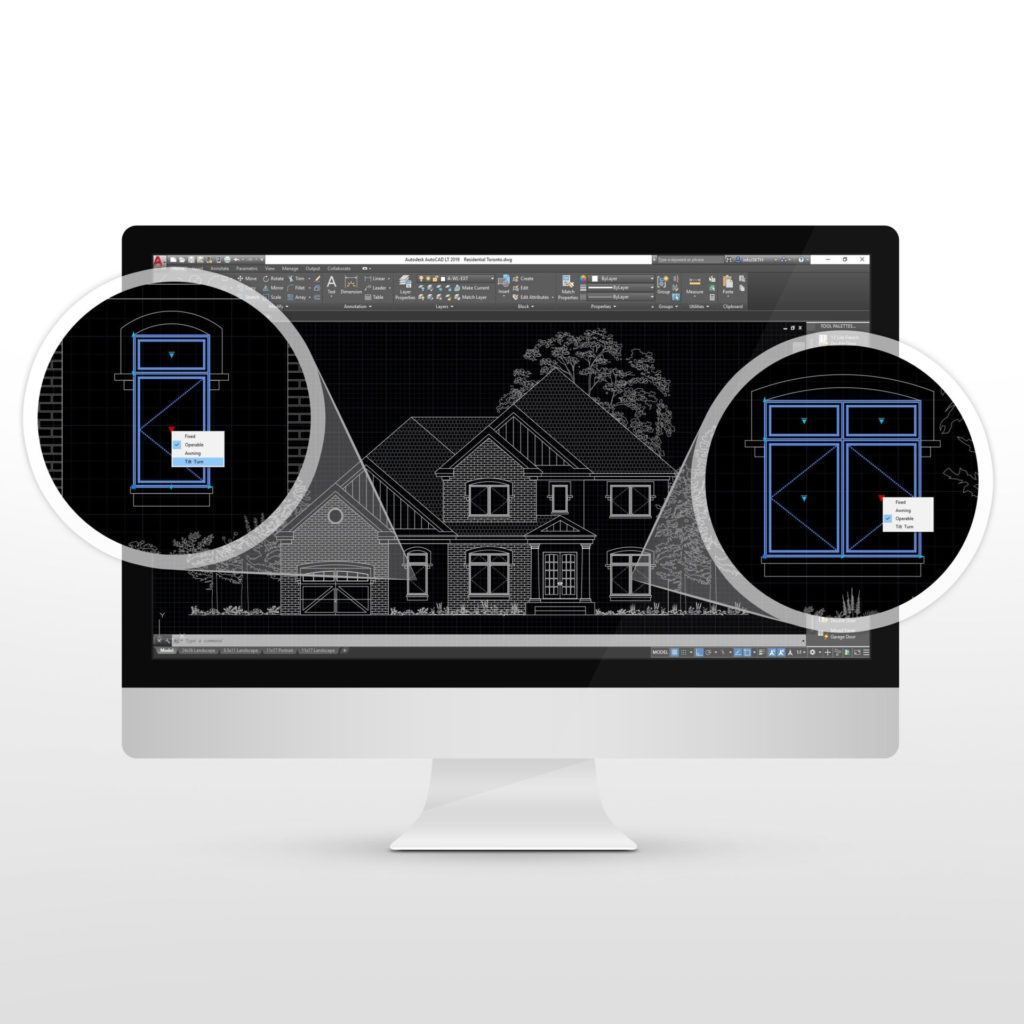
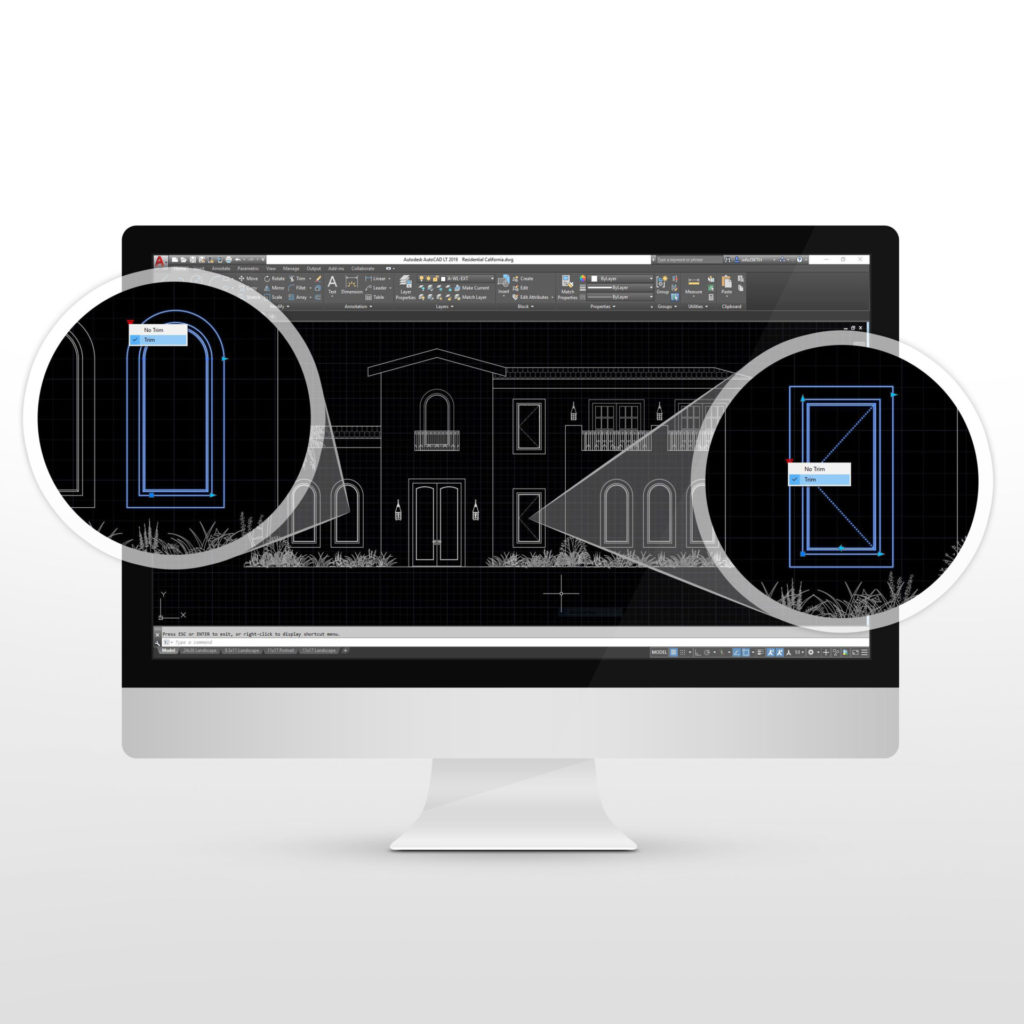
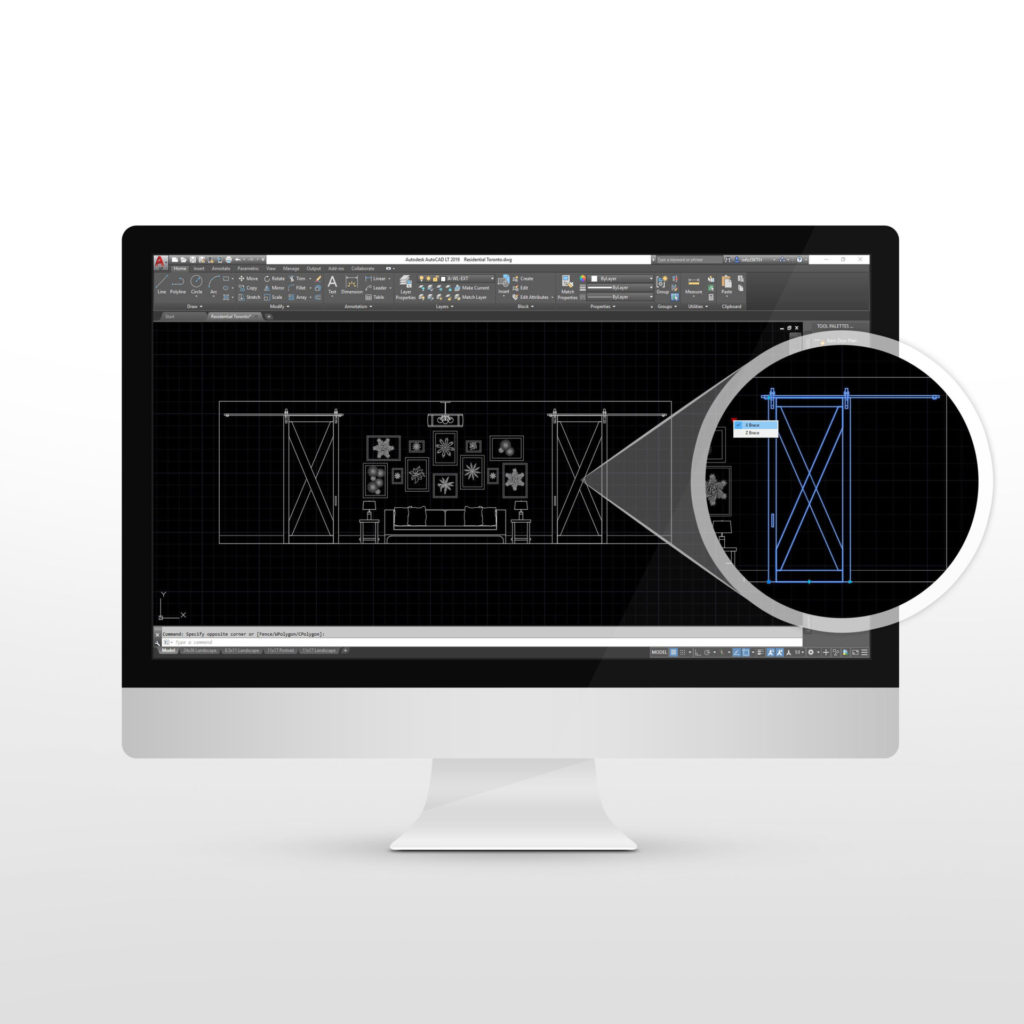
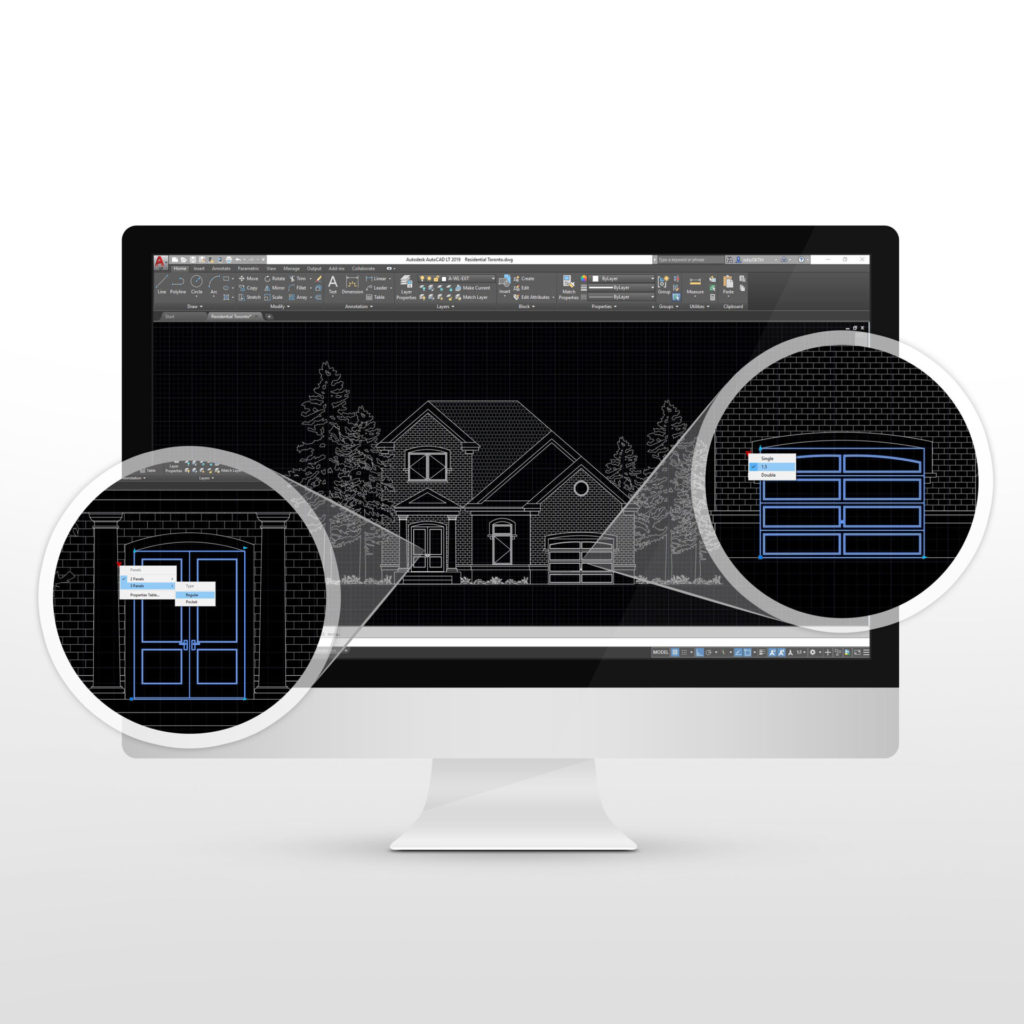
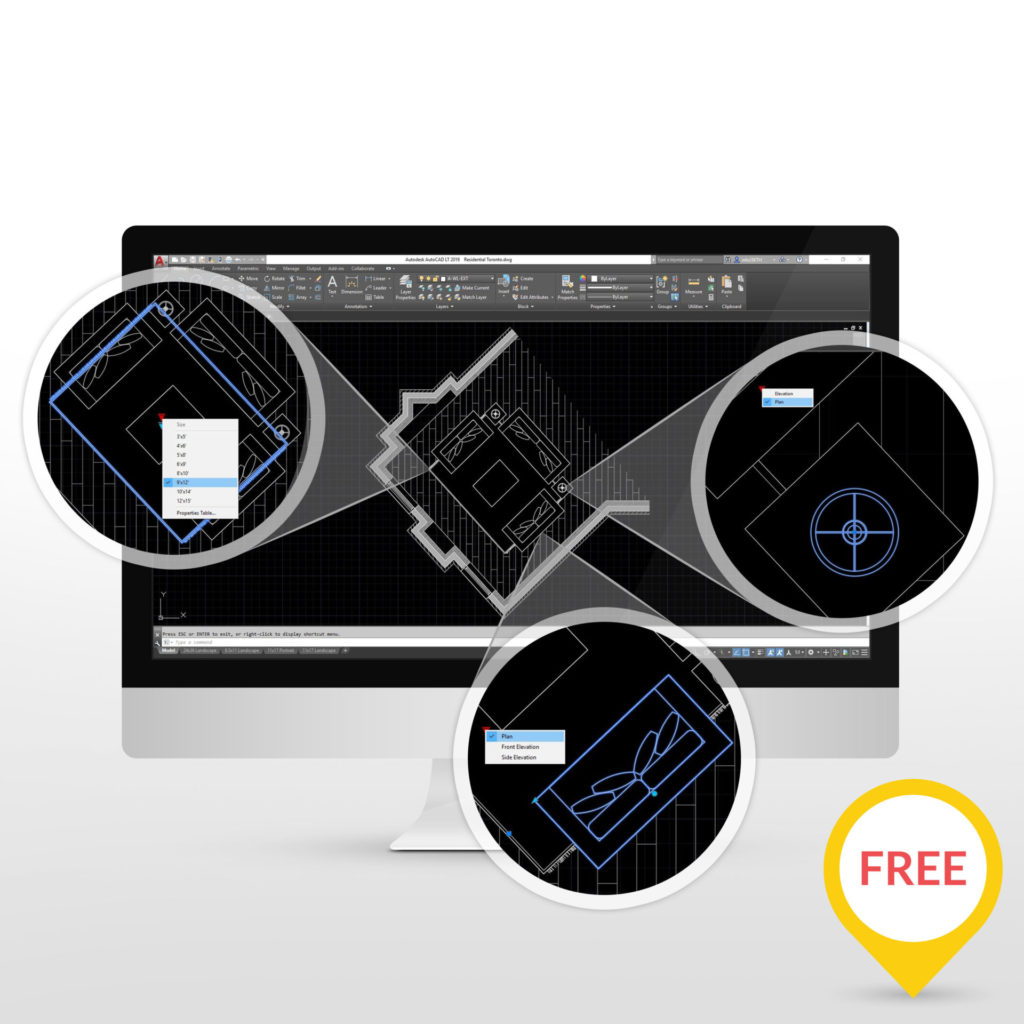
The right tools change how you work. Our AutoCAD Dynamic Blocks Toronto packages are ready to use from the start, helping you move faster and stay organized. You can easily add them to your tool palettes and use them across any drawing.
Each block includes built-in functions like stretch, scale, mirror, and masking, so you don’t waste time adjusting or cleaning up drawings.
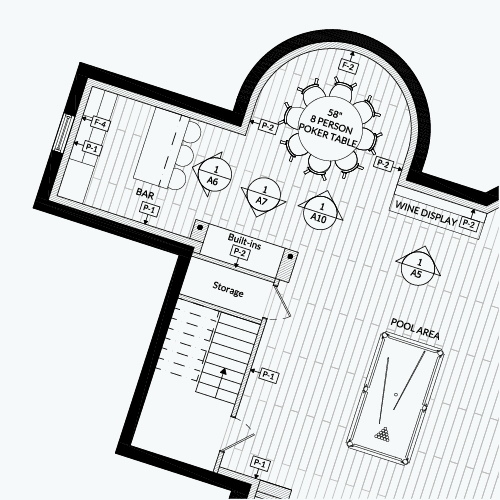
Focus on Designing, Not Troubleshooting
Even small AutoCAD tasks can add up and slow you down. We built these tools to remove that friction, so you don’t get stuck searching for solutions or rebuilding the same elements over and over again.
You’ll spend less time fixing things, and more time designing.
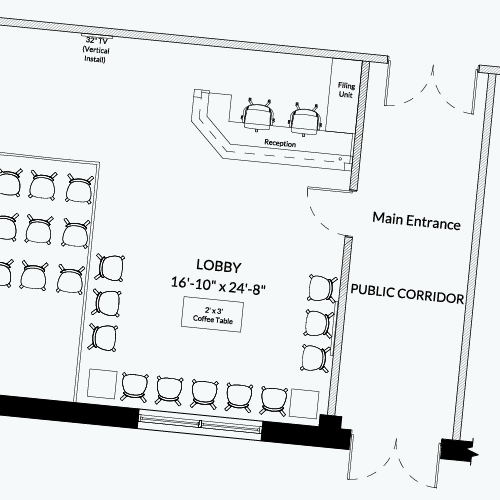
Take Control of Your Workflow
Having a clear system in place gives you control. It reduces training time, keeps your drawings consistent, and ensures every project looks like part of the same package. Whether you’re working independently or managing a team, these tools help you stay organized and efficient.
Your time is valuable, these tools are designed to protect it.
Explore the Shop
Browse our AutoCAD Dynamic Blocks packages and find the tools that fit your workflow. Each package is designed to be practical, flexible, and easy to use from day one.
-
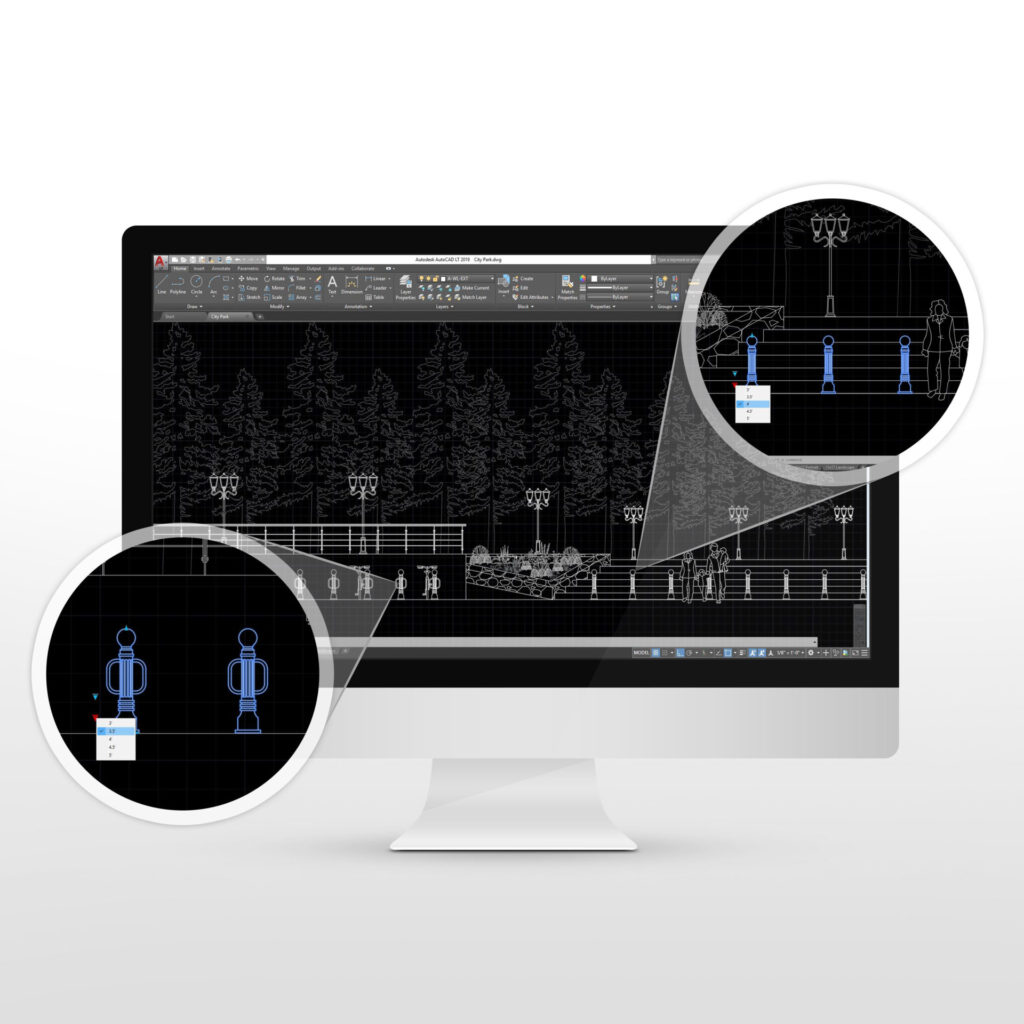
Bollards Package
What is it? The Bollards Dynamic Block Package for AutoCAD is a block collection for ... More
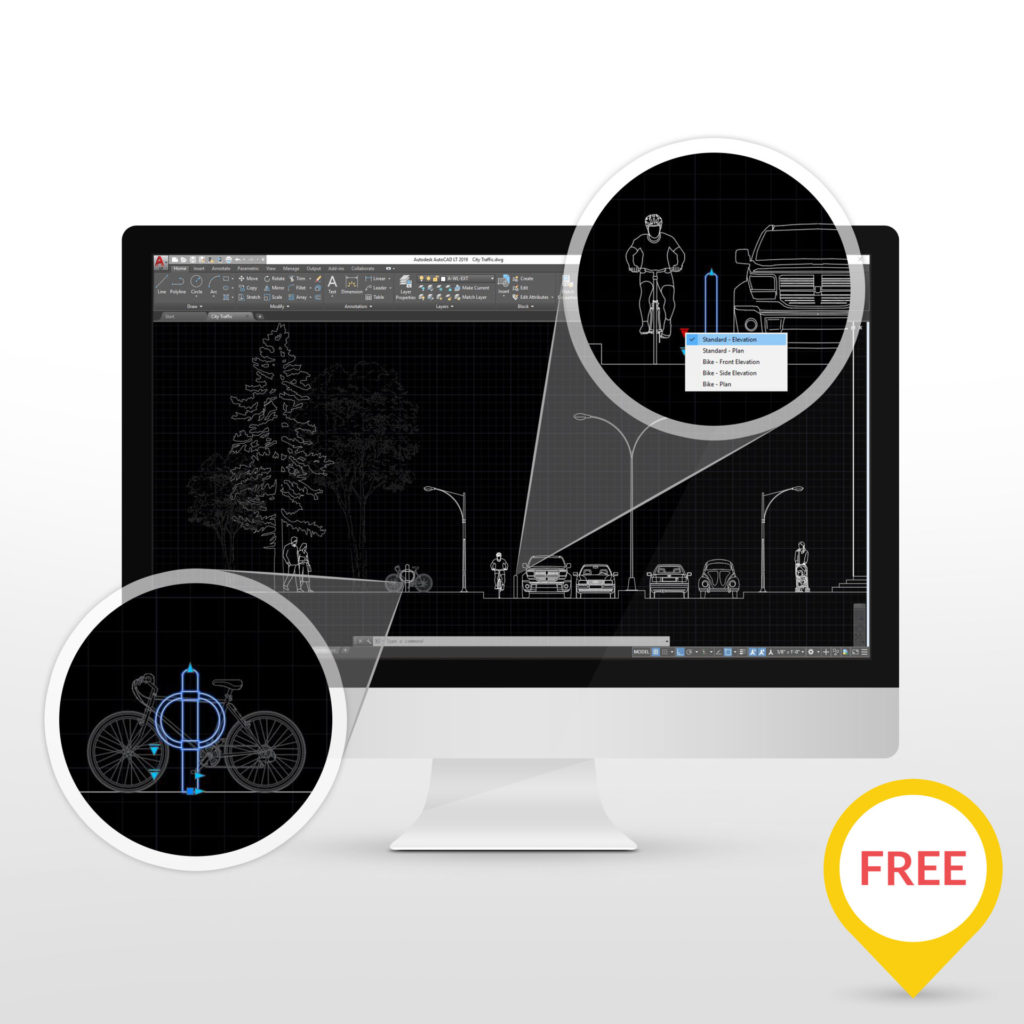
$10.00 CAD + applicable taxes View product This product has multiple variants. The options may be chosen on the product pageBollard Dynamic Block
What is it? The Bollard Dynamic Block for AutoCAD is a free dynamic block for ... More
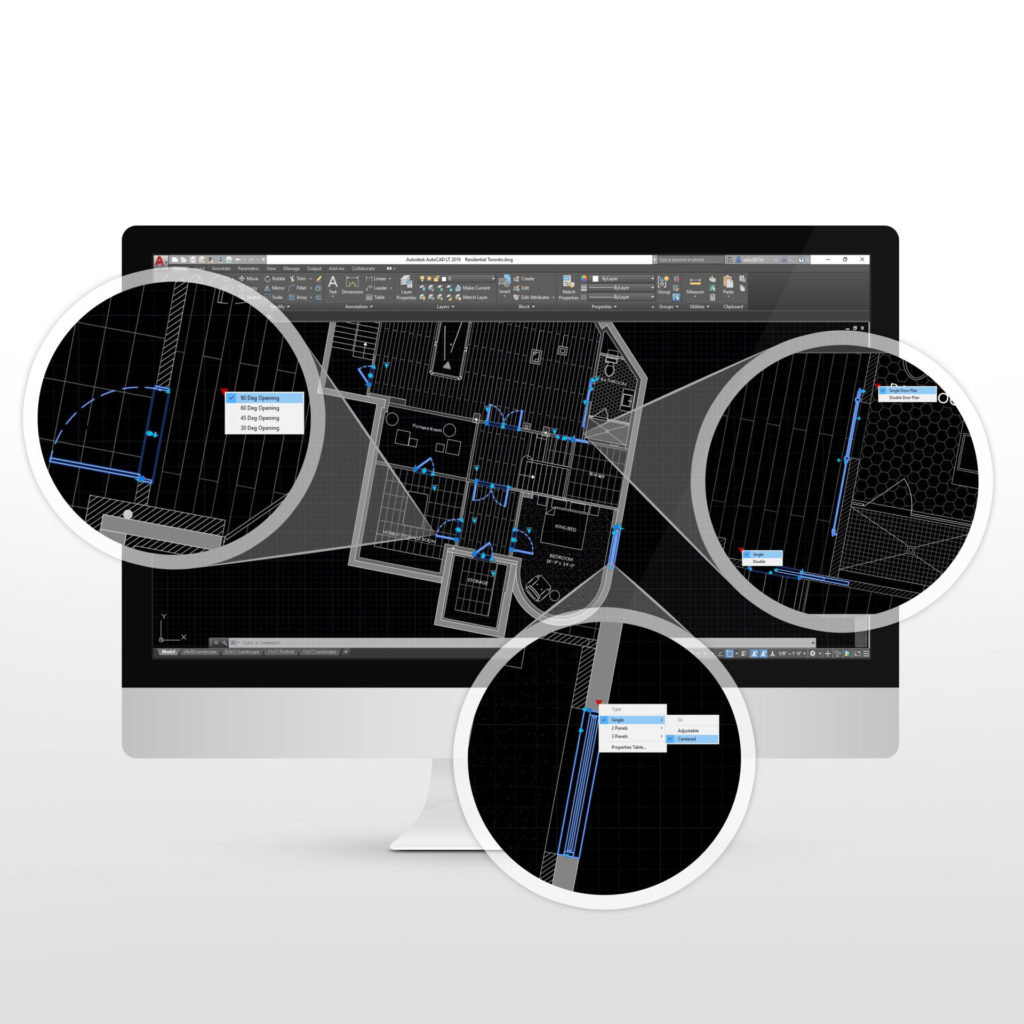
FREE View product This product has multiple variants. The options may be chosen on the product pageDoor & Window Plans Package
What is it? The Door and Window Plans Dynamic Block Package for AutoCAD is a ... More
$49.00 CAD + applicable taxes View product This product has multiple variants. The options may be chosen on the product pageStarter Template
What is it? Do you need to use AutoCAD to get the project done but ... More
$179.00 CAD + applicable taxes View product This product has multiple variants. The options may be chosen on the product page- Sale!
Window Package Bundle
What is it? The Window Package Bundle is a collection of our best window dynamic block ... More
$227.00Original price was: $227.00.$199.00Current price is: $199.00. CAD + applicable taxes View product This product has multiple variants. The options may be chosen on the product pageAccent Windows Package
What is it? The Accent Windows Dynamic Block Package for AutoCAD is an essential block ... More
$49.00 CAD + applicable taxes View product This product has multiple variants. The options may be chosen on the product pageAdjustable Windows Package
What is it? The Adjustable Windows Dynamic Block Package for AutoCAD is the ultimate customizable ... More
$119.00 CAD + applicable taxes View product This product has multiple variants. The options may be chosen on the product pageStarter Residential Windows Package
What is it? The Starter Residential Window Dynamic Block Package for AutoCAD is an essential ... More
$59.00 CAD + applicable taxes View product This product has multiple variants. The options may be chosen on the product pageBarn Doors Package
What is it? The Barn Doors Dynamic Block Package for AutoCAD is an extensive block ... More
$49.00 CAD + applicable taxes View product This product has multiple variants. The options may be chosen on the product pageResidential Doors Package
What is it? The Residential Doors Dynamic Block Package for AutoCAD is an extensive block ... More
$99.00 CAD + applicable taxes View product This product has multiple variants. The options may be chosen on the product pageLiving Room Package
What is it? The Living Room Dynamic Block Package for AutoCAD is a useful dynamic ... More
FREE View product This product has multiple variants. The options may be chosen on the product pageDon't take our word for it!
Christine Brown – My House DesignsThe dynamic blocks are highly technical and very customizable. I had no problem adjusting layers and incorporating them into my own drawing templates. I don’t have the time to create such elaborate blocks and to have this in my toolbox has made my work so much more efficient!Clara Palazzotto – The Deco NerdThis product has improved the quality of my design considerably, the quick and easy instructions have allowed me to insert a whole new block page to my block library to use for any future drawings freeing up time to concentrate on the drawing as a whole.Brian LeeThe dynamic blocks created by Udesign have saved me time on my projects. I can’t tell you how many times I have to explode blocks to accommodate for new details in my drawings. Great product!Footer
Unfold Creative StudioUnfold Creative StudioFAQs
At times, everyone needs a bit of assistance. That's why we've compiled a list of our frequently asked questions. If you still can't find the information you need, please reach out to us.
PRE-SALE
What are dynamic blocks?
A block that can be inserted into an AutoCAD drawing that can change shape, size, or configuration instead of inserting many static blocks and manually adjusting them. Dynamic blocks work by setting rules or parameters that allow for easy appearance change once it is inserted into a drawing.
Do I need to be proficient in AutoCAD to use your products?
No, but prior AutoCAD experience is recommended.
What version of AutoCAD do I need?
Recommended Windows AutoCAD 2017 and newer. Compatible with Windows AutoCAD 2013 or newer.
Can I use your products in AutoCAD for Mac?
While AutoCAD for Mac does support dynamic blocks, we have not tested our products in it.
Can I use your products in imperial system?
Yes, all our block packages have been designed in the imperial system.
Can I use your products in metric system?
While our products only come in the imperial system, an proficient AutoCAD user should be able to scale the blocks without problems.
Not sure if your product is right for me. Do you offer a demo?
We do not offer demos. We do however offer video previews.
Can I modify your blocks to suit my needs?
Yes, all our blocks can be further modified by an experienced user. If you are however a beginner user, we do not recommend modifying them as you can easily do changes that cannot be reverted.
Do I get instructions on how to use your blocks?
Yes, all our products come with an instructional PDF.
Do you offer post-purchase technical support?
We do offer support in the case of the file being corrupted or you are experiencing technical glitches. We do not however offer support on how to use the products beyond the instructional PDF that comes with it.
SHOPPING OUR SITE
How do I add items to my cart?
To add an item to your cart, navigate to the page of the item you are interested in, and click the “Add to Cart” button.
How do I view what’s in my shopping cart?
Once you add a product to your cart, a new “View Cart” button will appear on the upper right corner of the screen. For convenience, you can also access the cart by clicking the cart icon on the left side of the menu icon.
How do I remove items from my cart?
First, navigate to your cart. This will allow you to view all items currently in your cart. Once you have identified the item that you would like to delete, click on the “X” symbol to the left of the item image.
How do I change the quantity of a particular item in my cart?
First, navigate to your cart. This will allow you to view all items currently in your cart, as well as the quantities that you have chosen for each item. To change the quantity of an item in your cart, move your cursor to the box that appears under the “Qty” header for this item and type in the quantity desired, then click the “Update Cart” link. Once you do this, the quantity and associated dollar amount (if applicable) will automatically change and reflect the correct amounts for both the quantity and the cost.
How do I proceed through the checkout process?
Once you have finished adding items to your Shopping Cart, simply click the “Proceed to Checkout” button on the Shopping Cart page. Fill out all the required information and click the “Continue to Payment” button. You will be redirected to the Paypal checkout.
Do I have to have an online account to make a purchase?
Yes. If you do not have an account already, you will be required to make one during checkout.
I'm having trouble checking out and/or adding items to my shopping cart.
The issue could be related to the browser that you are using. Please ensure that you are using the most updated version of web browsers. If you are still experiencing issues after changing the browser, please contact customer service and they can help place the order.
How do I gain access to your free downloads?
All our free products will be marked in our shop as such. You still have to register an account and go through the checkout process to download them.
I closed my order window. How do I retrieve my download?
You will receive a confirmation email with your order. If you click on the download link in the email, you will be redirected to log into your account. Once logged in, navigate to the downloads section where you can see all your purchases. Click on the download button to retrieve your product.
PURCHASES
How do I sign into my account and/or edit the information in my account?
Click on the “My Account” button in the menu or navigate to my account.
Can I place my order through email?
We only accept email orders for products that require an extended license.
How do I make sure Unfold Creative Studio Ltd. received my order?
After you complete the checkout process, you will receive a confirmation via e-mail that we have received your order. (Please be sure to enter your e-mail address correctly on the order form so that we can be sure to deliver your confirmation to you. Be sure to check your spam folder if you do not receive the email).
I just placed an order. When will I receive my order?
You will receive an email automatically with link to download. Be sure to check your spam folder if you do not receive the email.)
Where can I find my order number?
Your order number will be available in the confirmation email, as well as in the “Orders’ section of “My Account”.
How can I cancel or change my order?
Unfortunately, once an order has been placed, it cannot be cancelled or changed because we begin processing it immediately. For further inquiries please email us at sales@letitunfold.ca. Please have your order number in the email title. You may find additional information to help with this question in the “Returns. Exchanges & Credits” section of this document.
Why was my order cancelled?
Certain orders may be rejected prior to acceptance, or cancelled after acceptance due to issues identified by Unfold Creative Studio Ltd.’s fraud or re-seller avoidance department.
PAYMENT
Which method of payments do you accept?
We currently accept the following forms of payment: Paypal. The payment can be made by logging into your existing Paypal account, create a new account or pay directly through credit card.
How many methods of payment can I use in my order?
You may only use one method of payment at a time.
When will I be charged for my order?
The charge will be processed as soon as you complete the checkout process.
Will tax be applied to my order?
If you are purchasing from within Canada, we have to charge applicable taxes according to the Province you are in. All orders outside of Canada will not incur any taxes.
What if I am eligible for a tax exemption?
If you qualify for a tax exemption, please contact us before purchasing.
Is my email confirmation page considered an official receipt?
Yes, you will receive a confirmation email that has all the necessary details. Since our transactions are done only through Paypal you can also download a receipt from your Paypal account.
Do you accept coupon codes?
Yes we do.
Where can I get a coupon code?
Sign up to our newsletter to receive promotional offers.
Can I use several coupons and discounts in combination with each other?
Depends on the coupon, as some cannot be used in combination with other discounts. The coupon description will indicate the terms.
What is your return and exchange policy?
Due to the digital nature of our products, we have a no refund policy. However, we take into considerations when mishaps happen and we will try to help to the best of our abilities.
Any issue you may have, you must contact us and give us the opportunity to work with you and solve the problem. This must be done within 30 days from the date of your purchase.
Should we be unsuccessful in assisting you, a refund will only be considered if a request is made within 30 days from the date the item was purchased from us and refunds may only be granted under the following circumstances:
- File is corrupted and our support team is unable to replace it.
- File is misrepresented in its product description in terms of file types.
- Missing files within the purchase and our support team is unable to replace it.
Unfortunately, we will not be able to refund your purchase under the following situations:
- You purchased the item by accident.
- You do not have the correct software / lack the expertise to use the item and its file types.
- You want to exchange it for another item.
- You or your client no longer need the item.
- You have trouble downloading the item, as our support team can assist you.
- You need a partial refund for an item you have previously purchased that is now part of a big bundle.
- You can not download / extract the files after purchase, as our support team can assist you, but cannot control your computer or browser.
- Once a refund has been processed, the refunded item will be deleted from your account indefinitely and you agree to remove it from your computer, any potential projects it may have been used in.
All refunds are at the sole discretion of Unfold Creative Studio Ltd.
One of the products I bought is now on sale. Can I get a price adjustment?
If one of our products went on sale within 7 days of your purchase, please contact us at sales@letitunfold.ca with your order number.
One of the products I bought is now part of a bigger bundle. Can I get a discount?
Yes. Please contact us at sales@letitunfold.ca with your previous order number.
I have made a purchase before I received a coupon. Can it be applied to my order?
Unfortunately, we cannot apply coupons on already processed orders. You can however use it on your next purchase.
ONLINE SECURITY
Which browser should I use to view your site?
Our website is optimized to work with all major web browsers. We do however recommend that your browser is updated to the latest versions.
How safe is my personal information?
Our site uses a Secure Sockets Layer (SSL) protocol to encrypt all personal information sent during the check out process. For more information on how we secure and use your information, please consult our Privacy Policy.
Do I need to install special software to shop online?
No, our website is optimized to work with all major web browsers.
Does your site install cookies?
Yes, we do install small packets of information on your computer temporarily. Cookies are used by us to streamline and enhance your ordering experience. In order to use our online store, you must have cookies enabled at all times.
How do I enable cookies in my browser?
For specific instructions on how to enable cookies, please check your browser’s settings.
LICENSE
Can I use the products commercially?
Most of our products will have a commercial license, however you should always check the license document that comes with each product in case it is restricted to personal use.
Can I copy and freely distribute free products that I download from your website?
No. Our free products still fall under the same license terms as our paid products. Always check the licence document that comes with your download.
On how many computers can I use the products purchased?
All licences are for one personal device and one user. For licences covering multiple devices and users please contact us at sales@letitunfold.ca.
Can I purchase a license for multiple devices?
Yes, please contact us at sales@letitunfold.ca.
Can I share the products I purchased with a friend?
No, all licences are for one personal device and one user. You can add licences for multiple devices if you contact us at sales@letitunfold.ca.
Can I resell a block if I modified it?
You do not have the rights to share or sell the product to third parties, resell, sub-license or redistribute (even for free) the files, on its own or as a separate attachment, from any of your work.
Need a human?
Please take a moment to read the FAQs above before reaching out to us.
- Like
- Digg
- Tumblr
- VKontakte
- Buffer
- Love This
- Odnoklassniki
- Meneame
- Blogger
- Amazon
- Yahoo Mail
- Gmail
- AOL
- Newsvine
- HackerNews
- Evernote
- MySpace
- Mail.ru
- Viadeo
- Line
- Comments
- SMS
- Viber
- Telegram
- Subscribe
- Facebook Messenger
- Kakao
- LiveJournal
- Yammer
- Edgar
- Fintel
- Mix
- Instapaper
- Copy Link
Send this to a friend