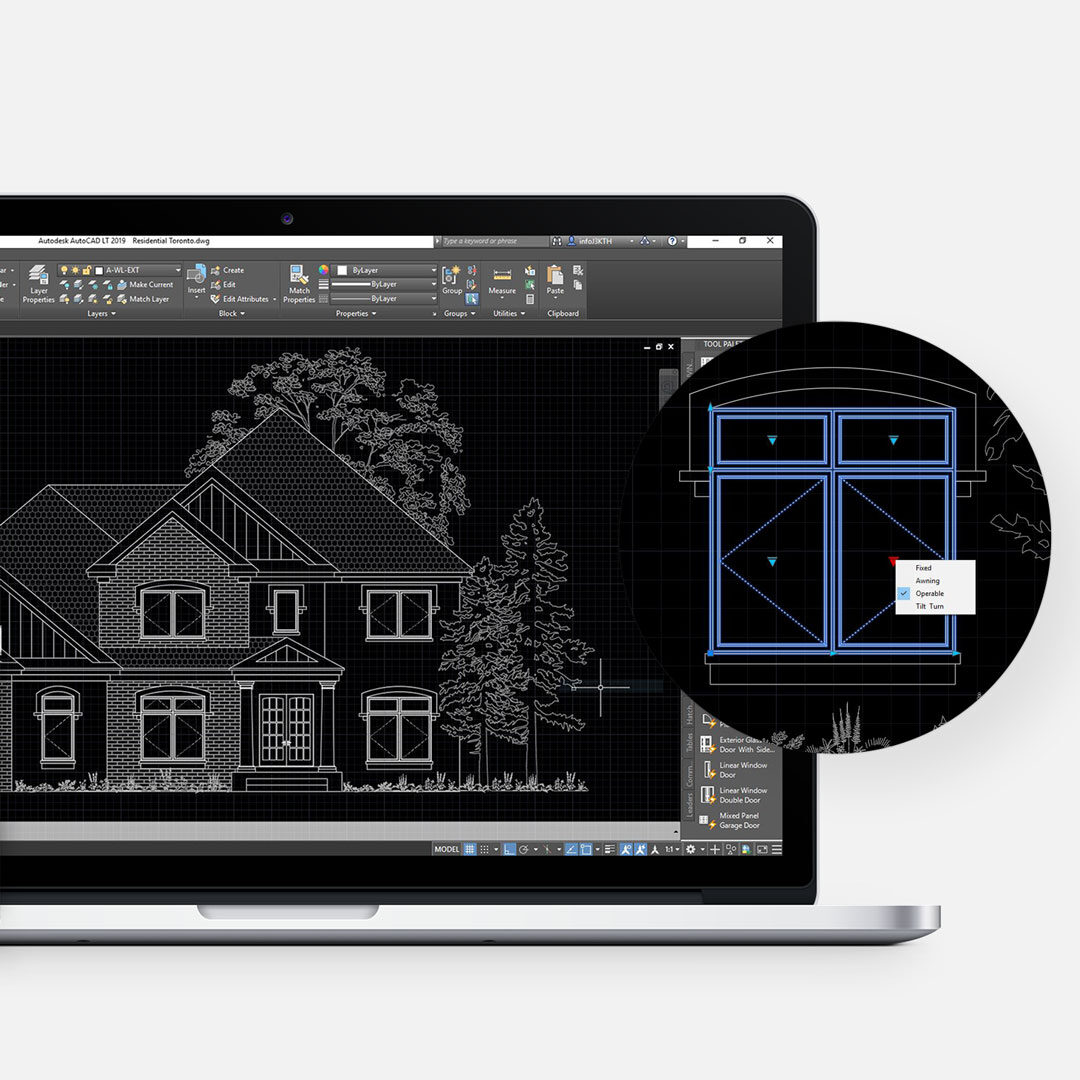
No matter what profession you work in, one thing is universal. Everyone wants to work smarter, save time, and be more efficient. That is especially true in design, architecture, and drafting, where deadlines are tight and repetitive setup tasks can eat up valuable hours. After years of using AutoCAD in school and throughout professional practice, we realized something was missing. Many of the available resources simply didn’t solve real workflow problems. That led us to create uDdesign, a practical resource center built for AutoCAD users. Explore our AutoCAD Dynamic Blocks store here.
Why We Created uDesign
To be honest, the biggest motivator was time. Creating clean standards, templates, libraries, and reusable drafting tools takes a huge amount of effort. Most architects, designers, and drafters simply don’t have spare time to build those systems while juggling project deadlines. So instead of every team reinventing the wheel, we created uDesign to make those resources readily available, easy to use, and immediately useful. The goal was simple: help professionals save time and work faster.
What Is uDesign?
uDesign is an online resource center for AutoCAD users. It was created for professionals building their own CAD library, as well as those just getting started and needing a strong foundation.
The resources focus on two key areas:
AutoCAD Templates
Our templates help standardize drawings quickly through: layers, lineweights, plotting setups, sheet organization, clean file structure. This means your AutoCAD files are ready to go every time a new project starts.
AutoCAD Dynamic Blocks
The second major component is AutoCAD dynamic blocks. These smart blocks include parameters that allow them to stretch, resize, flip, rotate, and adapt without needing multiple separate blocks. Instead of storing dozens of similar symbols, one intelligent block can do the work of many. That means faster drafting, cleaner files, and fewer repetitive tasks.
Why AutoCAD Dynamic Blocks Matter
If you use AutoCAD regularly, you already know how often drawings change. Dimensions shift. Layouts move. Doors resize. Furniture changes. Dynamic blocks make those edits significantly faster. Instead of exploding blocks or redrawing elements, you can adjust them instantly. That saves time on every project. And over weeks, months, and years, those saved minutes add up in a big way.
Better Standards for Teams
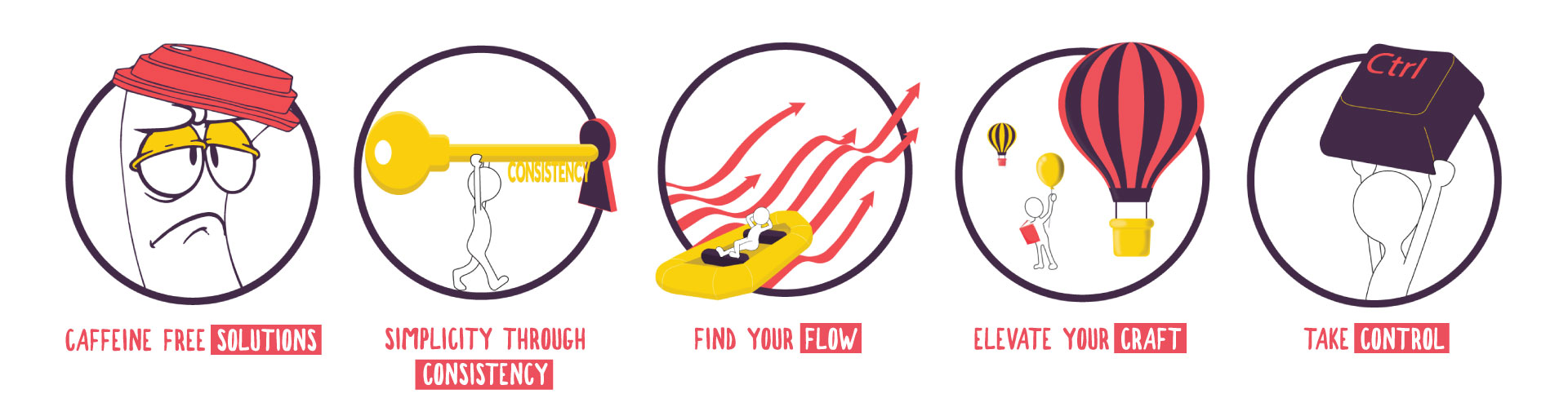
Consistency matters just as much as speed. When teams use the same standards and resources, collaboration becomes much smoother. uDesign helps with: easier file sharing between staff, faster onboarding of new employees, cleaner drawing sets, consistent plotting output, stronger office standards. That means less confusion and fewer costly mistakes.
More Than Just Downloads
Alongside templates and blocks, uDesign was also built to share knowledge. That includes: practical AutoCAD tips, workflow shortcuts, videos, tutorials, community learning resources. The goal has always been to help users become faster and more confident.
Final Thoughts
Time is one of the most valuable things any professional has. And it’s the one thing you never get back. If better systems can save hours every month, that matters. That is why uDesign was created. To help designers, architects, and drafters work smarter, maintain standards, and spend more time designing instead of repeating setup work. Your time is too valuable to waste.
Visit our store to explore templates, blocks, and drafting resources designed to improve your workflow. Need help choosing resources? Contact us.


Leave a Reply
You must be logged in to post a comment.